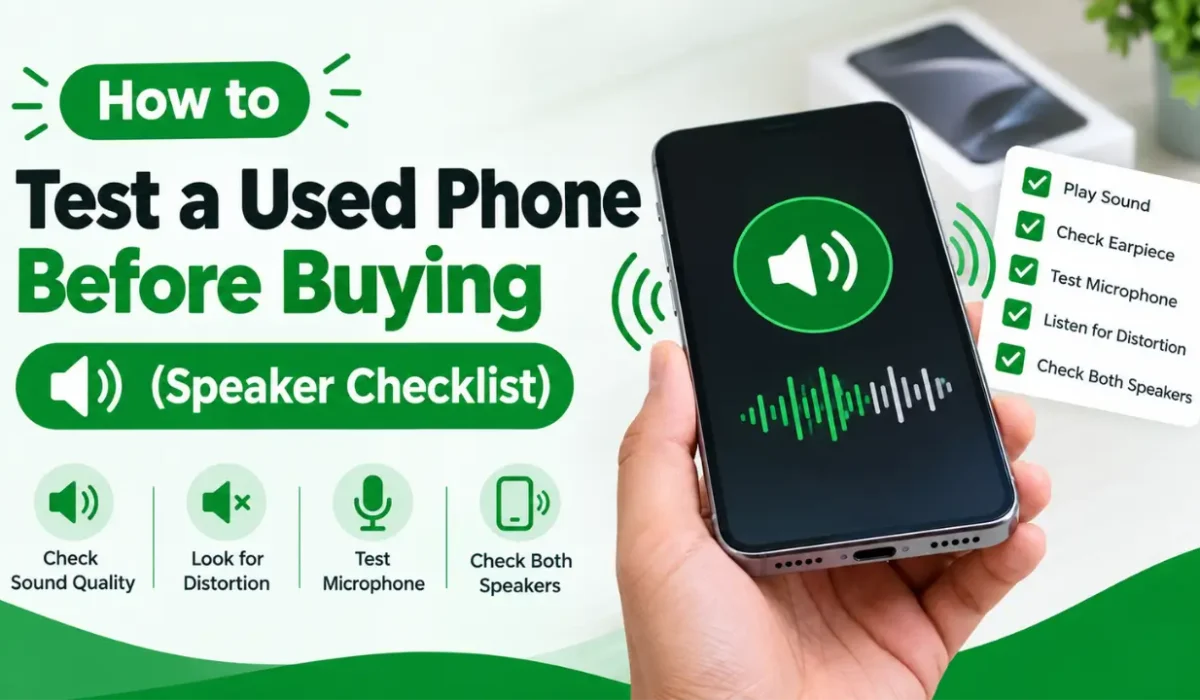
How to Test a Used Phone Before Buying (Speaker Checklist)
Buying a used or refurbished phone can save you a lot of money. But a phone that looks perfect on the outside can still have a weak or damaged speaker. Sound problems are easy to miss in a quick meeting, and after you pay, most sellers will not take the phone back.
A speaker check takes only five to ten minutes. This guide shows you exactly what to test, what to listen for, and when to walk away. You can follow it on any Android phone or iPhone.
Before You Meet the Seller
Preparation makes the test faster and more reliable.
- Meet in a quiet place. A small cafe or a shop counter is better than a busy street. You need to hear small noises like crackling or buzzing.
- Bring your own earphones. You will use them to test the headphone output.
- Open a speaker test page on your own phone. Use a free tool such as Phone Speaker Test, and load it on the seller’s phone if it is not blocked.
- Ask the seller to charge the phone. A dead battery cuts your test short.
- Ask for a SIM card or a Wi-Fi connection. You will need one for the call test.
The Speaker Checklist
1. Look at the Speaker Grills First
Before playing any sound, check the phone visually. Look at the bottom edge, the top edge, and the small hole next to the earpiece.
Watch for:
- Dust, dirt, or lint inside the holes
- Rust or green residue, which can mean past water contact
- Bent or pushed-in mesh
- Loose or uneven grills
Heavy dirt can make the sound quiet. It is often fixable, but it can also hide a bigger problem, so keep testing.
2. Test the Ear Speaker (Call Speaker)
The ear speaker is the small speaker at the top of the phone. It is the one you hear during normal calls.
How to test it:
- Make a normal call to your own number or to a friend.
- Hold the phone to your ear without using speakerphone.
- Ask the other person to speak in a normal voice.
You should hear a clear voice with no static, no hiss, and no sudden drops. If the voice is very quiet or sounds muffled, the ear speaker may be dirty or faulty. You can also play a steady tone through the ear speaker using an online test, which makes small problems easier to notice than a voice does.
3. Test the Loudspeaker with Music or Video
The loudspeaker plays music, videos, ringtones, and speakerphone calls. Play a song you know well, ideally with vocals and some bass. Raise the volume slowly to about 70%.
Listen for:
- Clear voices without a “flat” or “tin can” sound
- No sudden volume drops
- No rattling from inside the phone
Then place the phone flat on a table and play it again. A loose internal part sometimes rattles only when the phone is lying down.
4. Test the Left and Right Channels Separately
Many phones have stereo speakers, which means one speaker on each side. Sometimes one side stops working while the other keeps going, so music still plays and the problem is easy to miss.
Use an online speaker test to play a tone in the left channel only, then in the right channel only. Both sides should be equally loud. If one side is silent or clearly weaker, the speaker may be blocked, damaged, or disconnected inside.
Some phones use a single loudspeaker plus an ear speaker to make stereo sound. In that case, the ear speaker should still play its side clearly.
5. Run a Volume Ramp Test
A volume ramp plays a sound that goes from quiet to loud. This shows how the speaker behaves at every level.
Check that:
- The sound grows smoothly, without jumps
- The speaker stays clear at high volume
- Nothing cuts out when the volume is at maximum
A speaker that only works at low volume, or fades out when you raise it, is a warning sign.
6. Check Bass and Treble
Bass means deep, low sounds. Treble means bright, high sounds. A healthy speaker handles both reasonably well for its size.
- Bass test: Play a low-frequency tone, roughly 60 to 150 Hz. It should feel present, not empty or rattly.
- Treble test: Play a high tone, roughly 5 to 10 kHz. It should sound sharp and clean, not dull or missing.
Phone speakers are small, so do not expect deep, heavy bass. You are only checking that the sound is present and clean.
7. Listen for Distortion at High Volume
Distortion is buzzing, crackling, or fuzzy sound. Set the volume to maximum, or close to it, and play music or a test tone for at least 20 to 30 seconds.
A little roughness at full volume can be normal on cheap phones. But constant crackling, buzzing, or a “torn paper” sound often means a worn or damaged speaker cone. Tell the seller about the problem, and use it to lower the price or walk away.
8. Test the Microphone
Sound is not only about speakers. A phone with a broken microphone is just as frustrating.
- Open the voice recorder app and record ten seconds of speech.
- Play it back through the loudspeaker.
- Repeat it on a video recording to test the second microphone.
Your voice should sound clear and not too quiet. If it is very faint, distorted, or missing, the microphone needs repair.
9. Test Headphones and Bluetooth
Plug in your own wired earphones, or a USB-C or Lightning adapter if the phone needs one. Check that:
- Sound plays in both ears
- The phone switches sound to the earphones when you plug them in
- Sound returns to the speaker when you unplug them
Then pair a Bluetooth device and play audio. Poor connection or one-sided sound can point to a hardware fault.
10. Check for Water Damage Signs
Water damage often shows up in the speakers first. Signs include muffled sound that gets better and worse, crackling that comes and goes, a moisture indicator that has turned red or pink (in the SIM tray on some models), or residue near the speaker holes. If you see these, treat the phone as risky, because water damage can cause other problems later.
Quick Speaker Checklist
Keep this list on your phone while you check:
- Speaker grills are clean and undamaged
- Ear speaker is clear during a call
- Loudspeaker plays music without rattling
- Left and right channels both work
- Volume rises smoothly
- Bass and treble are present
- No distortion at high volume
- Microphone records clearly
- Headphones and Bluetooth work
- No signs of water damage
What Not to Do
- Do not test at low volume only. Many faults appear only at higher volume.
- Do not trust a “it just needs cleaning” excuse. Ask for a clean speaker before you pay, or lower the price.
- Do not skip the call test. A phone can play music well and still have a broken ear speaker.
- Do not rush. If the seller pushes you to finish fast, that is a warning sign.
- Do not pay before testing. Complete every check first.
- Do not open the phone or use tools. Test the phone as it is, without trying to fix anything.
When to Walk Away
Walk away or negotiate a much lower price if you find any of these:
- One speaker channel does not work
- The ear speaker is silent or very quiet
- Constant crackling or buzzing at normal volume
- Signs of water damage
- A seller who refuses to let you test the sound
A repair can cost more than the discount you receive, so do not accept a broken speaker as a small problem.
Bottom Line
A used phone can be a great deal, but only if the sound works properly. Check the speaker grills, then test the ear speaker, loudspeaker, left and right channels, volume, bass, treble, and distortion. Add a microphone, headphone, and water damage check, and you will catch most sound problems in under ten minutes.
Use a free online tool like Phone Speaker Test to make each step quick and clear. A few minutes of testing before you pay can save you from an expensive repair after.
FAQs
Can I test a phone speaker without an app?
Yes. Open an online speaker test in the phone’s browser. You do not need to install anything.
How long should a speaker test take?
About five to ten minutes covers all the main checks.
Is a slightly quiet speaker a big problem?
Not always. Dust can cause it, and cleaning often helps. But if it stays quiet after cleaning, the speaker may be worn.
Does a working loudspeaker mean the ear speaker works too?
No. They are separate parts, so test both.
The article is about 1,300 words. I can also turn it into an HTML file with headings and meta title/description ready for WordPress, if you’d like.