Online Apple Speaker Test
Speaker not working? Try this
- Check that your device volume isn't muted or turned down low.
- Check your left/right audio balance setting in your operating system's sound settings.
- Disconnect any Bluetooth speakers or headphones that might be capturing the audio output.
- Unplug wired headphones — some devices keep routing sound there even after you unplug.
- Restart your device to clear out any stuck audio driver state.
- Gently clean the speaker grille — dust and debris can muffle or block sound.
- Try this test in another browser or on another device to rule out a page or app issue.
What Is an Apple Speaker Test?
This Apple speaker test checks built-in speakers across Apple devices you can open in Safari or Chrome—iPhone, iPad, and Mac. Play channel and frequency tones to find crackling Apple audio, weak stereo output, or a soft earpiece.
Use it as a quick Apple device audio checker before a trade-in, after a liquid incident, or when FaceTime sounds clearer on speakerphone than on the ear speaker.
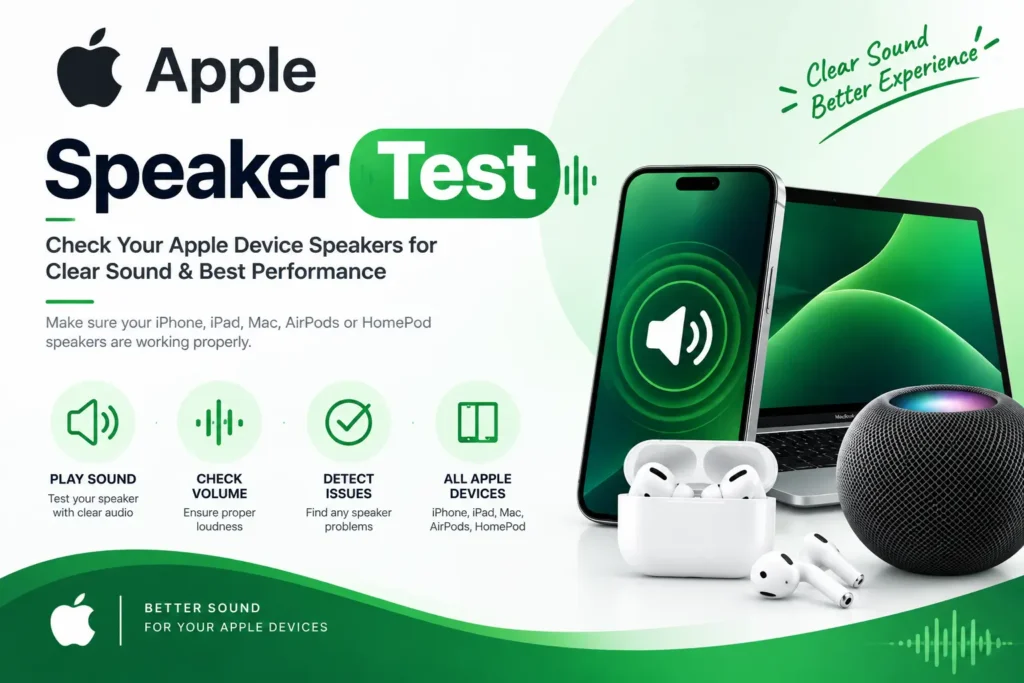
How to test Apple speakers
Disconnect AirPods and Bluetooth, raise the physical volume buttons, and keep Silent Mode off when testing ringtones separately from this page.
- Remove MagSafe wallets or thick cases covering speaker holes.
- Unpair AirPods so web audio plays from the device speakers.
- Run earpiece tones with the phone against your ear.
- On iPad, rotate to landscape for stereo edge speakers.
- Retest after a restart if audio still routes to headphones.
Best times to run an Apple speaker test
- Before buying a used iPhone, iPad, or Mac from a private seller
- After liquid contact or dust under the Lightning/USB-C area
- When callers sound faint but music still plays
- After a screen replacement
- Before Apple trade-in valuation
- When one stereo speaker seems quieter in landscape video
Why an Apple speaker test helps before you buy or repair
Apple devices hide speakers behind fine meshes. A bright lock-screen sound does not prove both stereo drivers or the call earpiece still work under load.
This browser-based Apple audio diagnostic gives you separated tones so you can decide between cleaning, a Genius Bar visit, or rejecting a used listing.
- Compare media speakers vs call earpiece on iPhone
- Check stereo balance on newer dual-speaker models
- Spot buzz before it shows up on FaceTime
Related Tools
Related speaker pages for specific Apple products and other platforms.
Samsung speaker test
Samsung Galaxy loudspeaker and earpiece diagnostic.
iPhone speaker test
Focused iPhone speaker test for bottom speaker and earpiece.
Android speaker test
Android speaker checker outside the Apple ecosystem.
Oppo speaker test
Oppo phone speaker health scan.
OnePlus speaker test
OnePlus stereo speaker test.
Vivo speaker test
Vivo speaker crackle check.
Xiaomi Redmi speaker test
Xiaomi Redmi speaker volume test.
Google Pixel speaker test
Google Pixel speaker and earpiece tool.
Huawei speaker test
Huawei speaker inspection page.
Laptop speaker test
Laptop speaker channels for Windows machines.
Tablet speaker test
iPad and Android tablet speaker edge test.
Earpiece call speaker test
Earpiece-only call speaker focus page.
What this Apple speaker tester checks
From iPhone stereo speakers to iPad landscape audio, this tool focuses on what you can hear in a browser—not Apple Diagnostics menus.
Stereo media speakers
Confirm both Apple loudspeakers play when the device supports stereo.
Earpiece / receiver check
Critical for iPhone call audio when speakerphone still works.
Frequency sweeps
Expose mesh rattle and missing highs after pocket debris.
Volume distortion ramp
Hear crackle as you approach maximum volume carefully.
Balance slider
Find a quieter side after a display repair.
Result markers
Save working/not-working notes for AppleCare conversations.
Run the Apple speaker test now
Scroll up, disconnect AirPods, then run earpiece and stereo tones on your Apple device.
Apple speaker issues this checker can surface
Queries like iPhone speaker muffled, iPad speaker crackling, and Apple earpiece not working often need a tone test, not another music app.
Muffled bottom speaker
Lint in the grille cuts volume until cleaned or the driver fails.
Earpiece soft on calls
Receiver mesh clogging or flex damage—media speakers can still be loud.
Crackling after drops
Damaged speaker coils buzz on certain frequencies.
AirPods stealing audio
Bluetooth stays connected and web tones never hit the phone speakers.
Post-repair imbalance
Secondary speaker connectors may not seat after display work.
iPhone, iPad, and Mac browser speaker checks
This Apple speaker test is device-agnostic in the browser. For phone-specific guidance see the iPhone page; for notebooks see the MacBook page. Use this page when you want broad Apple-oriented copy and the same tone tool.
Apple speaker test FAQs
Yes. No App Store download is required.
Yes. It runs in your browser, so it works on iPhone, iPad, MacBook, iMac and any other device.
It can be caused by very high volume, a damaged speaker, water exposure or a software bug. Lower the volume, restart the device and test again.
Yes. Allow sound playback if Safari prompts you.
Yes. Otherwise tones play in the buds instead of the device speakers.
No. It is a listening check that still helps document obvious speaker faults.
Media web audio usually still plays, but physical volume must be raised. Silent Mode mainly affects rings and alerts.